Select card template favourite
Choose products according to your preferences, style and brand.
With just one touch, all the information you need will be ready.
Unlimited connection with modern, convenient and sustainable communication methods.
Update information instantly, helping you create a professional and distinctive impression.
Connect quickly and easily with just one touch.
Create Smart Business Cards online conveniently and quickly with “bbi.to”.
Choose products according to your preferences, style and brand.
Sign up for an account, choose a template, and set up your profile.
Share business cards using NFC tags, links, or QR codes quickly and conveniently.
Choose a card template according to your preferences and style, and immediately own a business card that is both convenient and professional.


Choose a business card template according to your preferences and style, link your shop and social networks to create a classy profile.
bbi.to is pleased to serve you and your business,
We are proud to provide "professional and classy" Electronic Business Card services.
Personalize your information on smart business cards in a creative and unique way. All data is stored centrally, making it easy to update and adjust information instantly in real time.
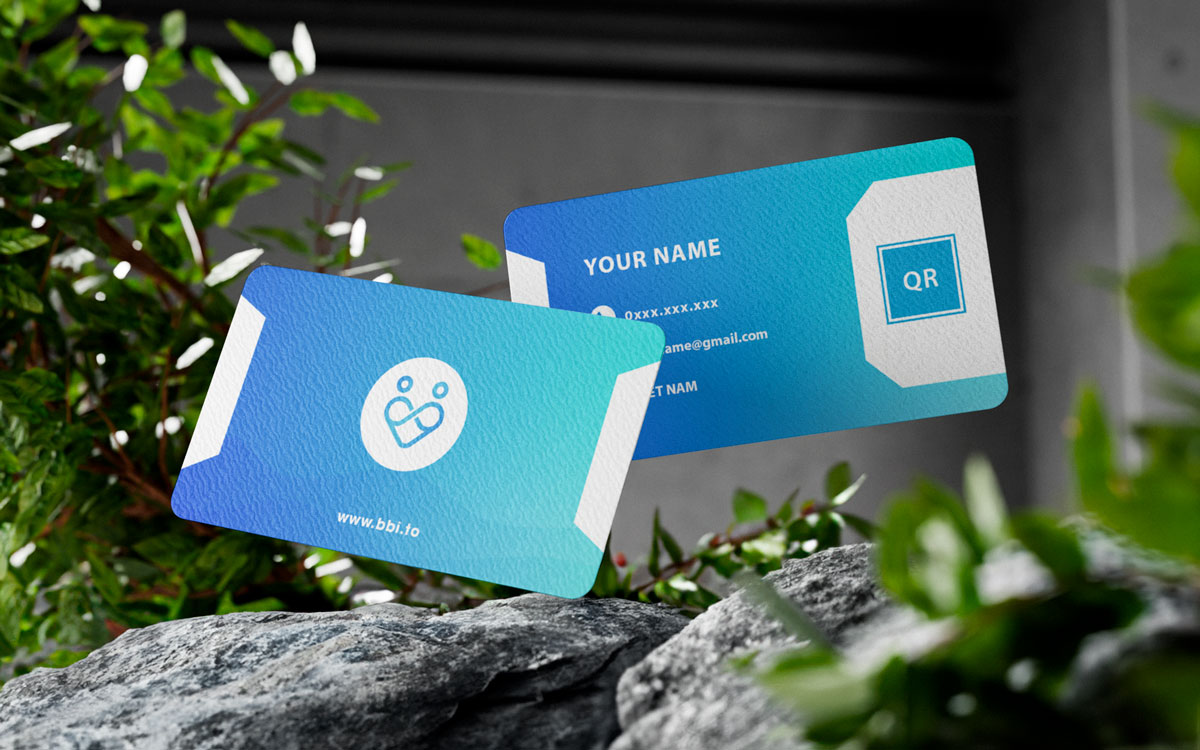

With just a touch or scan, you can quickly and securely share contact information, delivering a modern contactless communication experience.
 Send the link to everyone
  Use QR codes
  One gentle touch with the NFC tag
  No need to download the app
 Creative solutions help modernize the business card management and exchange process, maximize revenue and improve connection efficiency, contributing to the sustainable development of businesses.

##Quản lý toàn bộ danh thiếp trên cùng một trang cho doanh nghiệp.|

Divide the company into many small groups for convenient management and evaluation.

Logos, images, and content are synchronized to maintain brand consistency.
Add, edit, and delete business cards when hiring new employees easily.

Share internal employee information and customer information.

Make your Business Card public, restricted or locked at any time.
Join bbi to learn more about electronic business cards and the convenience that bbi brings!.
Let's explore bbi through some frequently asked questions to better understand "Electronic Business Cards"
For the Smart Business Card platform, neither you nor the person exchanging information with you need to download any applications to be able to use and view business cards.
In the Business Card Management page, you can update new information or change information, arrange information order anytime you want.
All information you have just changed will be updated immediately in real time.
Smart Business Card products are not limited in the number of scans and accesses during use.
Each Smart Business Card account has a validity period of 12 months from the date of activation.
Smart Business Cards allow you to choose the information you want to display and share with friends/partners/customers.
Smart Business Cards only attach links to your information pages so you can be absolutely assured that you will not lose accounts such as Facebook, Website, Zalo,...